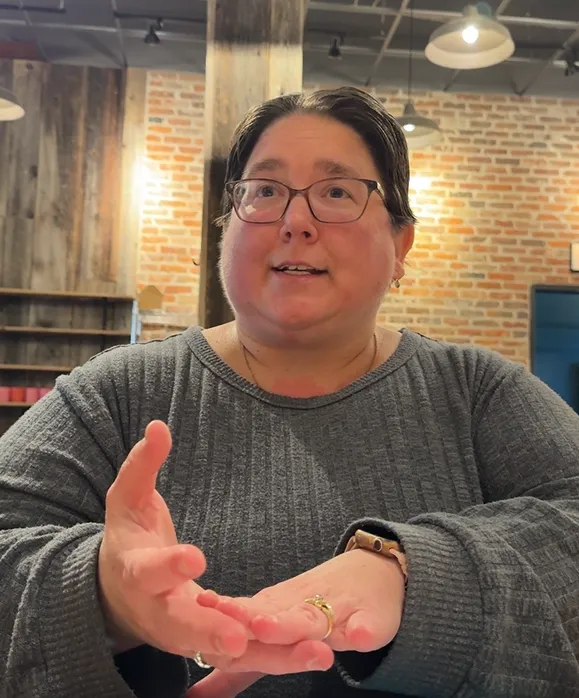
Jenn Davey is a woman with short brown hair wearing glasses in a gray sweater top. She is providing an explanation during her presentation.
Invite Jenn Davey to Speak at Your Event
Helping People Notice the Barriers They May Not Know Are There
The way information is presented can affect whether someone can find what they need, understand what is being communicated, and fully participate.
Through stories, real-world examples, interactive activities, and practical demonstrations, I invite audiences to look at everyday communication from a different perspective.
My goal is not to leave people with a long list of rules. I want them to recognize situations they may not have considered before, understand why they matter, and leave knowing changes they can make.
Signature Messages
Everyone Becomes Disabled
Disability is often viewed as something that affects a separate group of people.
But our ability to see, hear, move, concentrate, process information, communicate, or interact with technology can change throughout our lives.
It may change because of aging, an injury, an illness, medication, exhaustion, a temporary limitation, or a permanent disability. Our environment and circumstances can also change what we are able to do at a particular moment.
When we design information and experiences for different ways of seeing, hearing, processing, navigating, and participating, we are not only supporting people who currently identify as disabled.
We are designing for people.
This message encourages audiences to think beyond the question, “Do I know anyone with a disability?” and instead consider how creating more flexible and accessible experiences can affect all of us.
A Picture Is Worth a Thousand Words...
But Which Thousand Words?
We have all heard the phrase, “A picture is worth a thousand words.”
But a picture does not communicate the same thousand words to everyone.
What happens when someone cannot see the image clearly, cannot see it at all, interprets the image differently than you intended, or needs additional context to understand why you included it?
Through examples and interactive activities, I demonstrate the difference between alt text and an image description, why each serves a different purpose, and how the words we choose can change what another person understands.
Audiences begin to recognize that simply adding an image is not the same as communicating the information within it.
The question becomes:
If someone could not see this image, what would I want them to know?
Speaking Topics
My presentations can be adapted for entrepreneurs, business communities, professional organizations, employee groups, event hosts, and other audiences interested in communication, user experience, inclusion, and accessibility.
Topics may include:
Accessibility Is About More Than Ramps
Accessibility is often associated with physical spaces, such as ramps, elevators, and accessible parking.
This presentation expands that understanding to include websites, emails, presentations, forms, images, videos, online meetings, events, and other digital materials.
Audiences explore how choices involving wording, design, format, navigation, and technology can affect someone’s ability to access information and participate.
Simple Changes That Can Make Online Communication Easier
Small decisions can create unnecessary barriers.
We explore practical changes that can make digital materials easier to read, understand, navigate, and use, including descriptive links, meaningful headings, image descriptions, alt text, captions, clear instructions, readable formatting, and more.
Designing for People Who Experience Information Differently
Not everyone learns, communicates, or processes information in the same way.
Some people understand information best by listening. Others need to see it, read it, discuss it, or try something themselves.
This presentation challenges audiences to consider whether important information is being communicated in more than one way and what can happen when we design only for the way we personally prefer to receive information.
What Your Audience Experiences That You May Never See
When we create something ourselves, we already know what it is supposed to say, where someone is supposed to click, and what is supposed to happen next.
That familiarity can make mistakes, missing information, confusing instructions, and barriers surprisingly difficult to recognize.
Audiences learn how to look at their own digital materials from another person's perspective and identify places where someone may hesitate, misunderstand, or get stuck.
Interactive Presentations That Get People Thinking
I believe people remember more when they have an opportunity to participate rather than simply listen.
Because people learn in different ways, I incorporate a combination of:
Visual examples
Spoken explanations
Real-life stories
Audience discussion
Hands-on activities
Questions and scenarios
Opportunities to apply concepts themselves
Depending on the event and available time, presentations can include activities involving image descriptions, emojis and interpretation, communication scenarios, accessibility examples, or reviews of common digital materials.
The objective is to give participants opportunities to experience concepts rather than only hear about them.
Why Invite Jenn?
I bring a combination of professional testing experience, training experience, and lived perspective to my presentations.
For more than 10 years, I have worked in IT testing websites and digital materials from the user's perspective. My work required me to follow processes from beginning to end, recognize inconsistencies, identify where someone might get stuck, and clearly explain what I found.
I also have more than 10 years of experience providing training on websites for the people who actually use them. That experience taught me that providing information does not automatically mean someone can understand or use it.
After experiencing multiple concussions and navigating my own disabilities, I began noticing barriers I had never experienced before. I became increasingly aware of how decisions involving wording, design, format, navigation, and technology can affect someone’s ability to participate.
Today, I combine those perspectives to introduce audiences to accessibility and inclusive communication in a practical, relatable way.
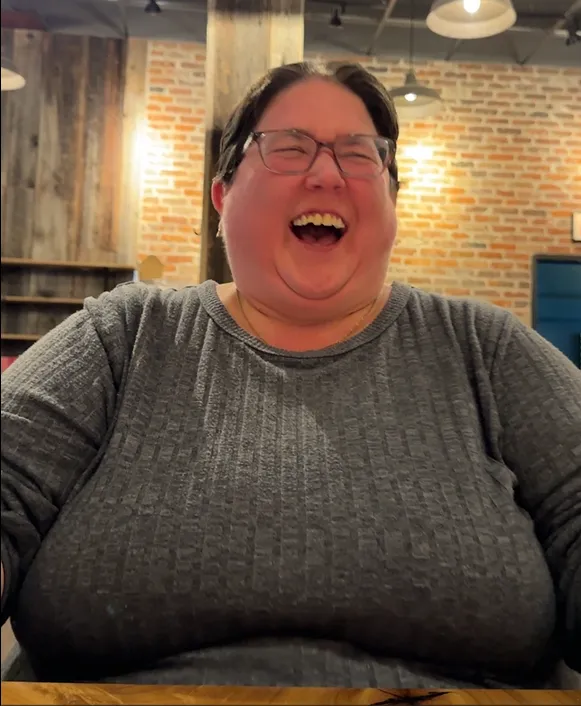
Jenn Davey is laughing during her presentation when an audience member shared a funny story.
What Audiences Can Take Away
Depending on the presentation, participants may leave with:
A broader understanding of what accessibility means
Examples of barriers they may encounter in everyday digital communication
A better understanding of how different people experience the same information
Questions they can ask while creating their own materials
Practical changes they can begin making immediately
Greater awareness of how small decisions can affect participation
A new perspective they can continue applying after the presentation ends
The goal is not perfection.
It is learning to notice more, ask better questions, and make intentional choices that allow more people to participate.
Speaking Formats
Presentations can be adapted to fit the goals and format of your event, including:
Keynote or featured presentations
Workshops
Interactive trainings
Conference sessions
Professional development programs
Virtual presentations
Panel discussions
Community and networking events
Topics, examples, activities, and presentation length can be adjusted based on your audience.
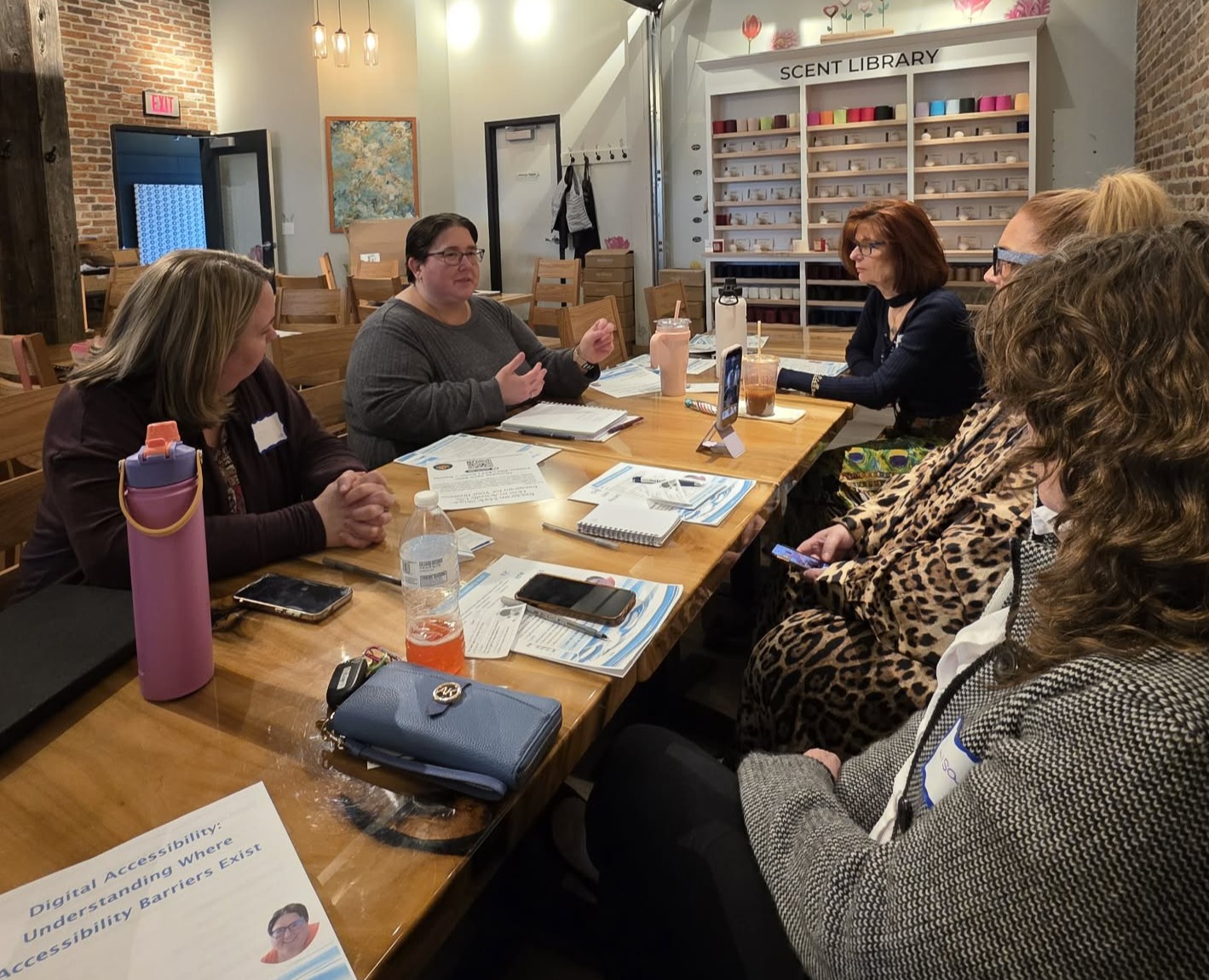
Jenn Davey (second from left) is a woman with short brown hair wearing glasses in a gray sweater top. She is providing an explanation to four women seated around a table.
Looking for a Speaker Who Will Get Your Audience Thinking Differently?
If you are planning an event and believe these conversations would be valuable to your audience, I would be glad to learn more about your event, attendees, and what you would like them to take away from the experience.
Questions? Contact us at:
Website Issues:
Accessibility feedback or Accommodation Requests:
COMPANY
LEGAL
Contact Information
Pottstown, PA, United States
610-322-3232
FOLLOW US
Content on this site is for educational purposes only and does not constitute legal advice. Accessibility assessments and workshops are designed to improve usability and reduce risk but do not guarantee Americans with Disabilities Act (ADA) compliance. Please consult an attorney for legal guidance.
Copyright 2026. Ripple Effect Accessibility Consulting LLC doing business as (DBA) Ripples of Access. All Rights Reserved.
Facebook
Instagram
LinkedIn
Youtube