Events
Learn Through Examples, Conversation, and Practice
My workshops and events are designed to be interactive rather than presentations where you simply sit and listen.
People understand and retain information in different ways. Some benefit from seeing examples, some from hearing an explanation, some from trying something themselves, and others from discussing ideas with a group.
That is why I try to incorporate multiple ways to learn and participate throughout my trainings.
Depending on the event, you may:
See real-world examples and visual demonstrations
Listen to explanations and stories that provide context
Participate in games, activities, or short challenges
Discuss examples and ideas with other participants
Apply what you are learning to your own digital materials
Ask questions as you work through a concept
The goal is not to overwhelm you with technical standards or give you another long list of rules to remember. It is to give you practical ideas you can recognize, understand, and apply in your own communication, events, and digital materials.
What Makes These Events Different?
Many of the things that affect an online experience can be difficult to recognize until you experience them yourself.
That is why my workshops go beyond telling you what you should or should not do.
You may look at an example and decide what is working well, identify something that could create confusion, experience a communication challenge from another person’s perspective, and then discuss what could be changed and why.
Rather than relying on one teaching format, activities may combine visual examples, spoken explanations, group discussion, and opportunities to practice what you are learning yourself.
You may:
Look at examples and identify what is working well and what could create confusion
Experience how wording, design, format, navigation, or missing information can affect someone differently
Discuss why a particular choice matters and what could be changed
Participate in games or short challenges that demonstrate how differently people can interpret or process information
Apply what you are learning to your own digital materials
Ask questions and learn from the experiences and perspectives of other participants
You are encouraged to think, participate, experiment, and ask questions rather than memorize a list of requirements.
Small changes can often make information clearer and online experiences easier for more people to use.
Upcoming Events
Improving Event Attendee Experience: Event X3
September 22–24, 2026
12:00 PM ET | 11:00 AM CT | 10:00 AM MT | 9:00 AM PT
A three-day interactive workshop focused on the digital materials and communication your attendees encounter before, during, and after an event.
Instead of simply reviewing a list of best practices, we will look at examples together, discuss what could affect the attendee experience, and explore practical ways to improve it.
Each 90-minute session includes examples, group discussion, and time to review one of your own digital materials so you can begin applying what you are learning immediately.
Who This Workshop Is For
This workshop is for people who plan, promote, host, or support online events and want to make the attendee experience clearer and easier to navigate.
It may be especially useful for:
Event organizers and producers
Coaches, consultants, and service providers who host online programs or events
Marketing and communications professionals
Speakers, presenters, and facilitators
People who create registration pages, emails, workbooks, presentations, or other event materials
Anyone who wants practical ways to improve the digital experience before, during, and after an event
You do not need to be an accessibility specialist or have technical knowledge to participate. Bring questions, examples, or one digital material you would like to review.
Topics include the attendee experience across:
Promotion and registration
The live event
Post-event communication and follow-up
Free Workshops
Helping Everyone Feel Included: Simple Changes for Better Online Connection
An interactive introduction to how everyday communication choices can affect whether someone can find information, understand it, and participate.
Through examples, games, activities, and discussion, you will explore how people may interpret and experience the same information differently.
You will have opportunities to see concepts demonstrated, hear why they matter, talk through different perspectives, and participate in activities that let you experience some of the concepts for yourself.
Activities explore topics such as context, visual information, written and spoken communication, and the ways small changes can make online communication easier for more people.
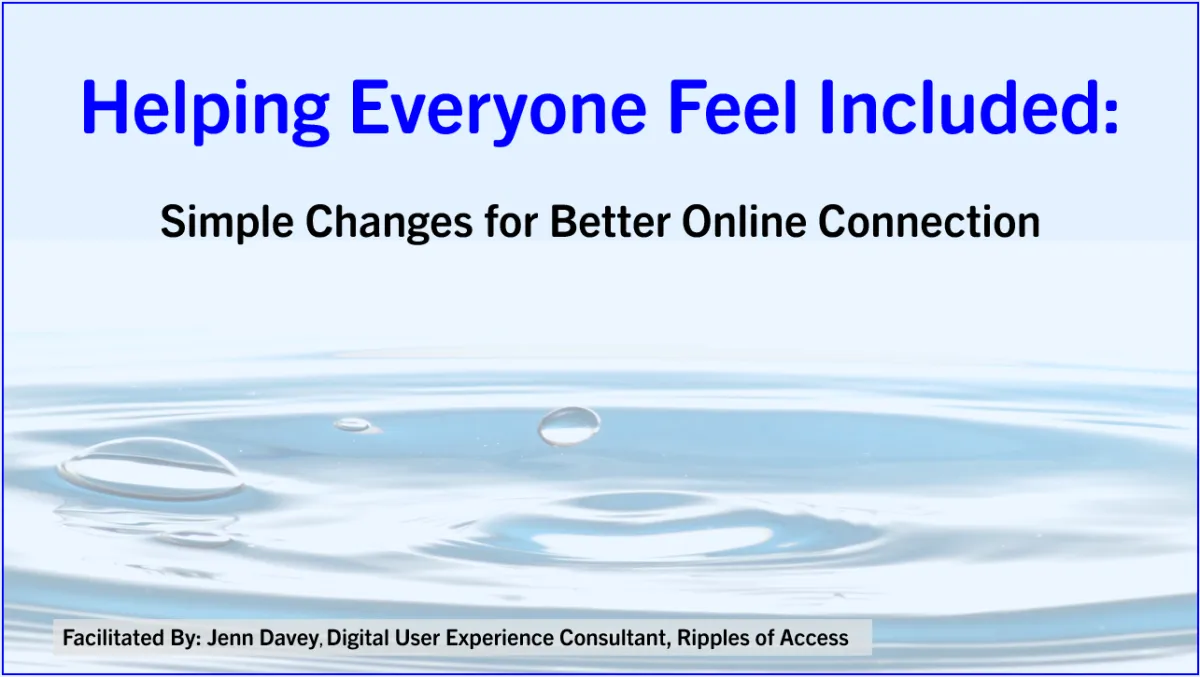
Slide deck title page with a water droplet above the center of ripples in water. At the top of the slide is the presentation title ‘Helping Everyone Feel Included: Simple Changes for Better Online Connection.’ At the bottom of the slide is text “Facilitated By: Jenn Davey, Digital User Experience Consultant, Ripples of Access”
Who This Workshop Is For
This workshop is for anyone who creates, shares, teaches, presents, or manages online information and wants to make it easier for more people to understand and use.
It may be a good fit for:
Business owners and service providers
Coaches, consultants, and educators
Marketing and communications professionals
Event organizers and presenters
People who create websites, forms, emails, presentations, workbooks, or social media materials
Anyone who wants an approachable introduction to digital inclusion and accessibility
No previous knowledge of accessibility or technical standards is required.
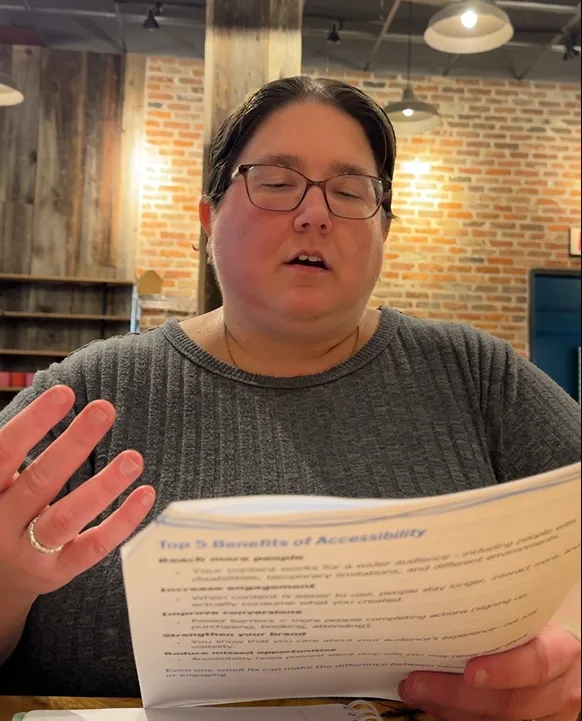
Jenn Davey reads from the workbook used during a presentation.
Why Learn With Jenn?
I bring more than 10 years of IT experience testing websites and digital materials from a user’s perspective, along with more than 10 years of experience providing website training for end users.
That combination has given me the opportunity to see both sides of the experience: how something is expected to work and how people actually understand and use it.
Testing taught me to follow a process from beginning to end, recognize inconsistencies, identify where someone may get stuck, and look closely at how information is presented.
Training end users showed me the questions people ask, the assumptions that can create confusion, and how differently people may understand the same instructions.
It also reinforced something important: there is no single way to explain information that works equally well for everyone.
Some people understand a concept more easily when they see it. Others benefit from hearing it explained, trying it themselves, asking questions, or discussing it with someone else.
That is why I try to incorporate several ways of learning and participating into my trainings instead of relying only on slides and spoken instruction.
I also bring my lived experience with multiple disabilities. After encountering barriers I had never noticed before, I became more aware of how choices involving wording, design, format, navigation, and communication can affect someone’s ability to understand information and participate.
In my workshops, I combine my testing experience, training experience, and lived perspective to show you what these challenges can look like in everyday situations and why they matter.
You will not be expected to memorize technical standards or become an accessibility expert.
My goal is for you to leave with a better understanding of the people interacting with your digital materials, new things to notice, and practical changes you can apply to create clearer, easier, and more inclusive experiences.
Find Events That Fit What You Want to Explore
As additional workshops and events become available, you will be able to browse topics such as:
Event Attendee Experience
Explore the digital materials and communication people encounter while discovering, registering for, attending, and following up after an event.
Online Communication
Look at how wording, visuals, context, format, and other communication choices can affect understanding and participation.
Websites, Forms & Funnels
Explore common issues that can make it easier or harder for someone to find information, understand what to do next, or complete a process.
Presentations & Workbooks
Consider how information is structured and presented so participants can more easily follow along and use the materials you provide.
Digital Inclusion & Accessibility
Explore how accessibility extends beyond physical accommodations and how changes to digital materials can benefit a wide range of people.
Want to Know About Future Events?
New workshops and events will be added as they become available.
Sign up to receive updates about upcoming events, free workshops, resources, and opportunities to explore practical ways to improve your digital materials and online experiences.
Questions? Contact us at:
Website Issues:
Accessibility feedback or Accommodation Requests:
COMPANY
LEGAL
Contact Information
Pottstown, PA, United States
610-322-3232
FOLLOW US
Content on this site is for educational purposes only and does not constitute legal advice. Accessibility assessments and workshops are designed to improve usability and reduce risk but do not guarantee Americans with Disabilities Act (ADA) compliance. Please consult an attorney for legal guidance.
Copyright 2026. Ripple Effect Accessibility Consulting LLC doing business as (DBA) Ripples of Access. All Rights Reserved.
Facebook
Instagram
LinkedIn
Youtube