Feel More Confident About the Online Experience You Are Creating
Spend less time second-guessing and more time focusing on what matters.

A person sitting at a table has their email inbox open on their laptop. The icon of a white envelope on a gray background marked with the number one is displayed, indicating that a new email has been received.
You have checked your event materials more than once, but you may still wonder whether something has been missed. You may be asking yourself “Did I overlook mistakes, confusing content or missing information?”
Ripples of Access provides women entrepreneurs with an independent second set of eyes on the digital materials created for their meetings, workshops, and other online events.
You receive supportive feedback without technical jargon about what is working well, what may affect your attendees, and where improvements can be made.
This gives you more confidence in your attendees’ experience and more time to focus on your event, business, and other priorities.
Why a Second Set of Eyes Matters
We tend to create digital materials based on how we process information, understand instructions, and move through a task. What feels clear and easy to us may not work as well for people who think, learn, communicate, or interact with information differently.
Additionally, when you review digital materials you created, your brain may automatically correct small errors, fill in missing information, or read instructions as you meant rather than as they are written.
This can make it difficult to review them from someone else’s perspective or notice information that is missing, inconsistent, confusing, or hard to use.
These details can affect whether someone:
Understands what you are offering
Feels comfortable registering
Knows how to prepare
Can participate during the event
Trusts the information you provide
Takes the next step after the event
An independent second set of eyes can notice what your familiarity with the materials may cause your brain to overlook.

Accessibility starts by understanding how people experience your content. Small improvements can make websites, documents, and digital resources easier for everyone to use.
A Closer Look at Your Materials and Feedback You Can Use
During each review, I consider questions such as:
Are important details, including dates, times, prices, names, and links, correct and consistent?
Can attendees understand the information, instructions, and next steps?
Can they easily find what they need and complete the expected actions?
Could the wording, design, format, technology, or delivery create unnecessary barriers?
Do attendees have enough information to feel prepared, trust your business, and comfortably take the next step?
You will receive clear, supportive feedback instead of an unexplained list of problems filled with technical jargon. Your feedback will explain:
What is already working well
What may confuse, frustrate, or create a barrier for attendees
How each issue may affect the attendee experience
What changes are recommended
Which issues should receive attention first
You remain in control of your materials and decide which recommendations to use and when.
The goal is to provide practical information that makes your decisions easier, without criticizing your work or overwhelming you with technical details.
Reviewing the Materials That Shape Your Attendee Experience
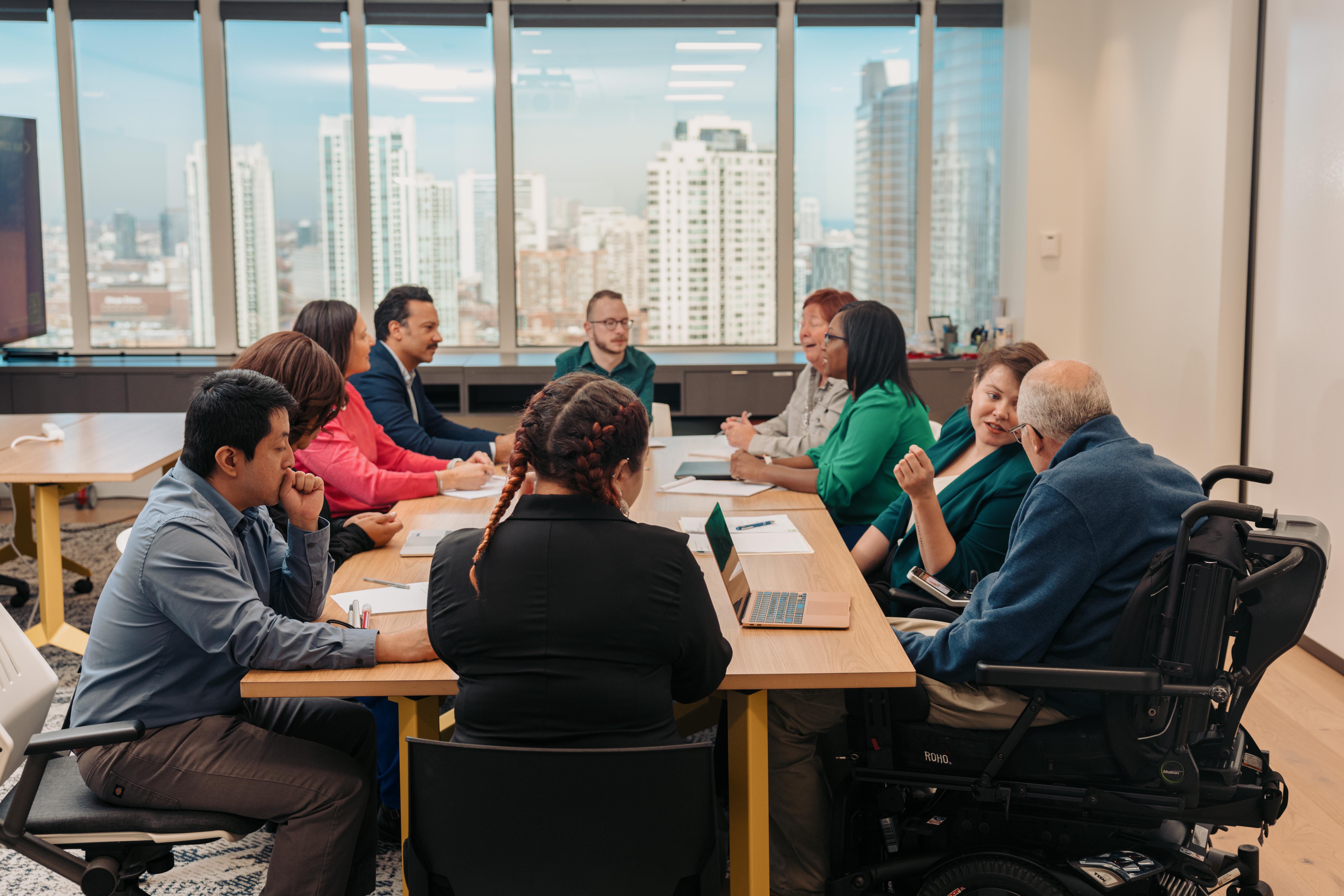
A group of diverse professionals representing various disability identities gather in a meeting around a conference table. Windows overlook a city skyline.
An attendee’s experience begins when they first learn about your event. It continues through registration, preparation, participation, and follow-up.
Depending on the service you choose, your review may include digital materials from across the attendee journey or only specific digital materials.
Each stage of the attendee journey may include different digital materials. Below are examples of materials that can be reviewed.
Promotion and Registration
Social media posts and graphics
Promotional emails
Event landing or sales pages
Registration pages and forms, including payments
Confirmation message and email
Calendar and access information
Event Preparation and Participation
Reminder emails
Instructions for joining
Preparation steps, including links to files
Presentation slides
Videos
Workbooks, handouts, and downloads
Live event communication
Captions and other platform features
Instructions for participating or asking questions
Follow-Up
Thank-you emails
Replay information (including captions & transcripts)
Surveys and feedback forms
Additional resources
Next-step instructions
Follow-up offers
Calls to action
Reviewing materials across the attendee journey can reveal gaps or inconsistencies that may not be noticeable when each item is checked separately.

Jenn Davey is a white woman with short brown hair wearing glasses, earrings and a heart pendant necklace. She is in a blue top with a gray cardigan.
Meet Jenn
Having worked in IT for more than 20 years, I have over a decade of experience testing websites and digital materials from a user’s perspective. That work required me to notice inconsistencies, follow processes from beginning to end, identify where people may get stuck, and explain findings in language that others can understand.
After experiencing my 6th concussion and living with several non-visible disabilities, I began noticing barriers I had never experienced before. That 6th concussion changed how I process information. Before, I learned best by listening. Now I needed spoken information paired with visual support to understand and retain it.
I also became more aware that the way information is presented, such as choices involving wording, design, format, and navigation, can affect someone’s ability to find what they need and fully participate.
Today, I combine my testing experience and lived perspective to help entrepreneurs identify potential barriers and create more inclusive experiences.
Turn Uncertainty Into Confidence
The goal is simple: fewer surprises, less rechecking, and more confidence in what you share.
You have already invested time and thought into creating your event and its supporting materials. Still, you worry whether everything is ready to be published.
An independent review can turn uncertainty into:
Greater confidence in what you have created
Clearer priorities for making improvements
More time for the work that needs your attention
A better understanding of the attendee experience
Practical ways to make future materials easier to use
You do not have to address everything at once. One thoughtful, recommended change can improve one person’s experience—and one small change can begin a ripple of access.
Choose the Support That Fits Your Needs
Options range from a review of one digital material or one event to ongoing monthly event support.
Individual Digital Material Review
Receive focused feedback on one individual digital material used before, during, or after an event.
This review can be used for one email, form, registration page, presentation, workbook, graphic, video, one set of social media posts (up to 3 posts), or another individual item.
Single-Event Experience Reviews
Receive feedback on multiple digital materials used throughout the attendee journey for one event.
Single- Event Experience Reviews are available at three levels, based on the number of materials and the amount of the journey you want reviewed:
Foundational (up to 5 digital materials)
Enhanced (up to 8 digital materials)
Signature (up to 15 digital materials)
The right level depends on the number and types of materials being reviewed and how much of the attendee journey you want included.
Monthly Event Review Support
Ongoing review support for entrepreneurs who regularly host meetings, workshops, programs, or other events.
Monthly support can reduce the time spent searching for help with each new event while providing more relevant feedback from someone familiar with your business, audience, and communication style.
Monthly Event Review Support is available at three levels, based on the number of materials and the amount of the journey you want reviewed:
Spotlight (up to 5 digital materials per month)
Showcase (up to 8 digital materials per month)
Headliner (up to 15 digital materials per month)
Discover What's Quietly Costing You Registrations, Engagement, and Sales
Free Audience Experience Troubleshooting Guide
Your audience wants to register, participate, and take action. But hidden barriers throughout your registration process, presentations, and follow up can quietly prevent that from happening.
This free guide walks you through the most common issues that reduce registrations, attendance, engagement, and conversions during virtual events. In just a few minutes, you'll be able to identify where people may be getting stuck and uncover simple changes that create a smoother, more inclusive experience for everyone. Because one small change can begin the Ripples of Access.
Ready for an Independent Second Set of Eyes?
Schedule a discovery call to discuss your event, the materials you have created, and the type of feedback that would be most useful.
There is no expectation that you already know which service you need. We can identify the review option that best matches your materials and your goals.
Questions? Contact us at:
Website Issues:
Accessibility feedback or Accommodation Requests:
COMPANY
LEGAL
Contact Information
Pottstown, PA, United States
610-322-3232
FOLLOW US
Content on this site is for educational purposes only and does not constitute legal advice. Accessibility assessments and workshops are designed to improve usability and reduce risk but do not guarantee Americans with Disabilities Act (ADA) compliance. Please consult an attorney for legal guidance.
Copyright 2026. Ripple Effect Accessibility Consulting LLC doing business as (DBA) Ripples of Access. All Rights Reserved.
Facebook
Instagram
LinkedIn
Youtube